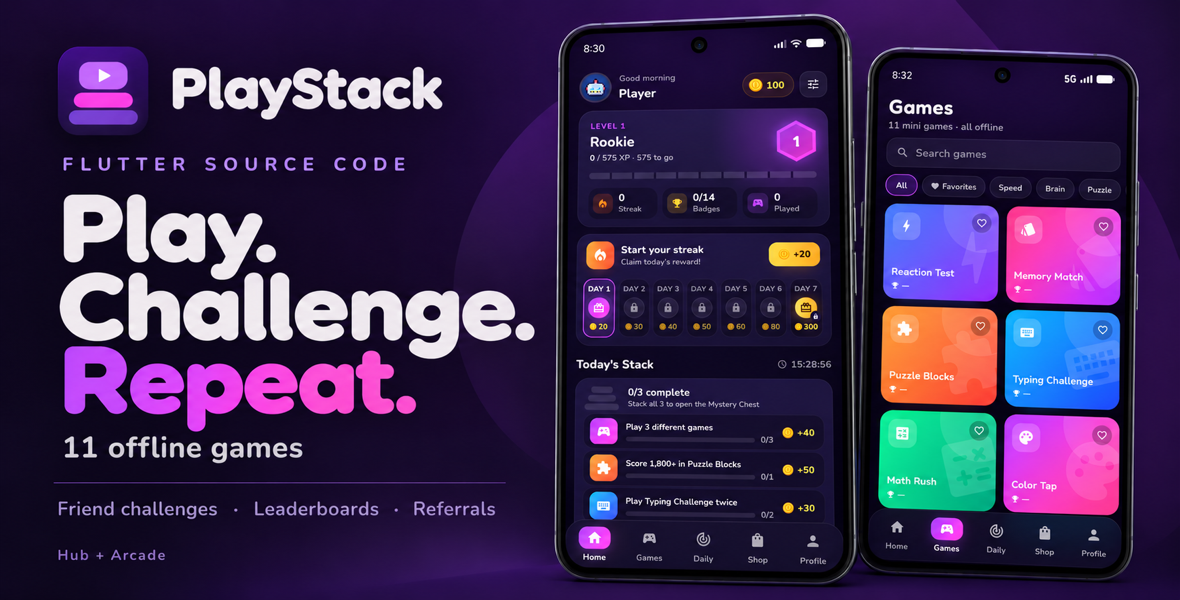
Build your own games app with 11 offline mini games, two app modes, XP and coins, daily rewards, per-game leaderboards, friend challenges and referral bonuses. Includes Flutter source code, AdMob or Unity Ads integration, and Firebase setup documentation.


Give players a collection of quick games, a reason to beat their best, and something to come back for tomorrow. PlayStack combines 11 offline mini games with a colorful Flutter interface and a progression system built around short play sessions.
For app developers, publishers and agencies, it is a reusable source project with two app experiences: a simple Arcade collection, or a full Hub with rewards and social features. Choose your mode, add your branding and configure the services you want to use.


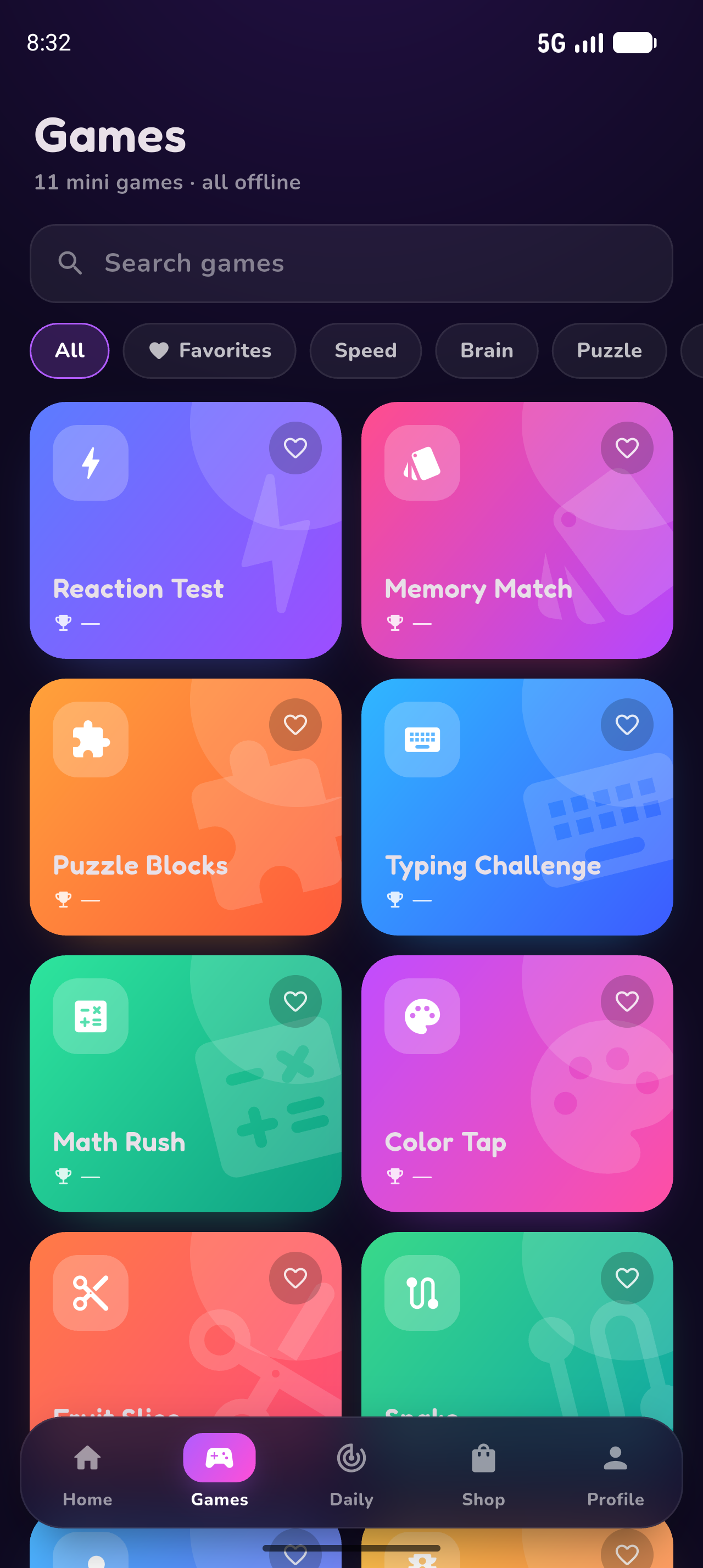
All game files are included in the app. Players can enjoy gameplay offline, without loading games from a remote website. Search, category filters, favorites and personal records make the collection easy to explore. The Home screen highlights four game picks based on the player's local play history.

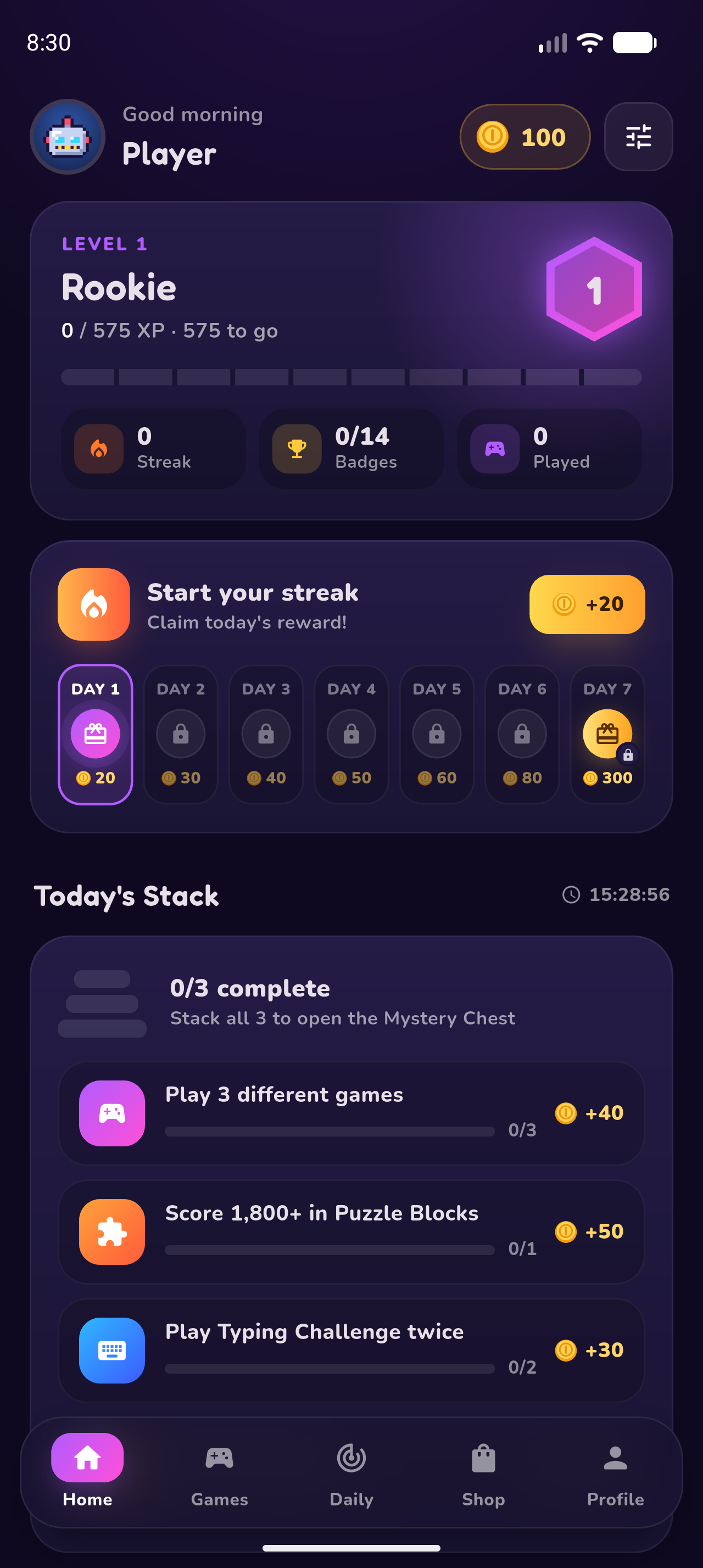
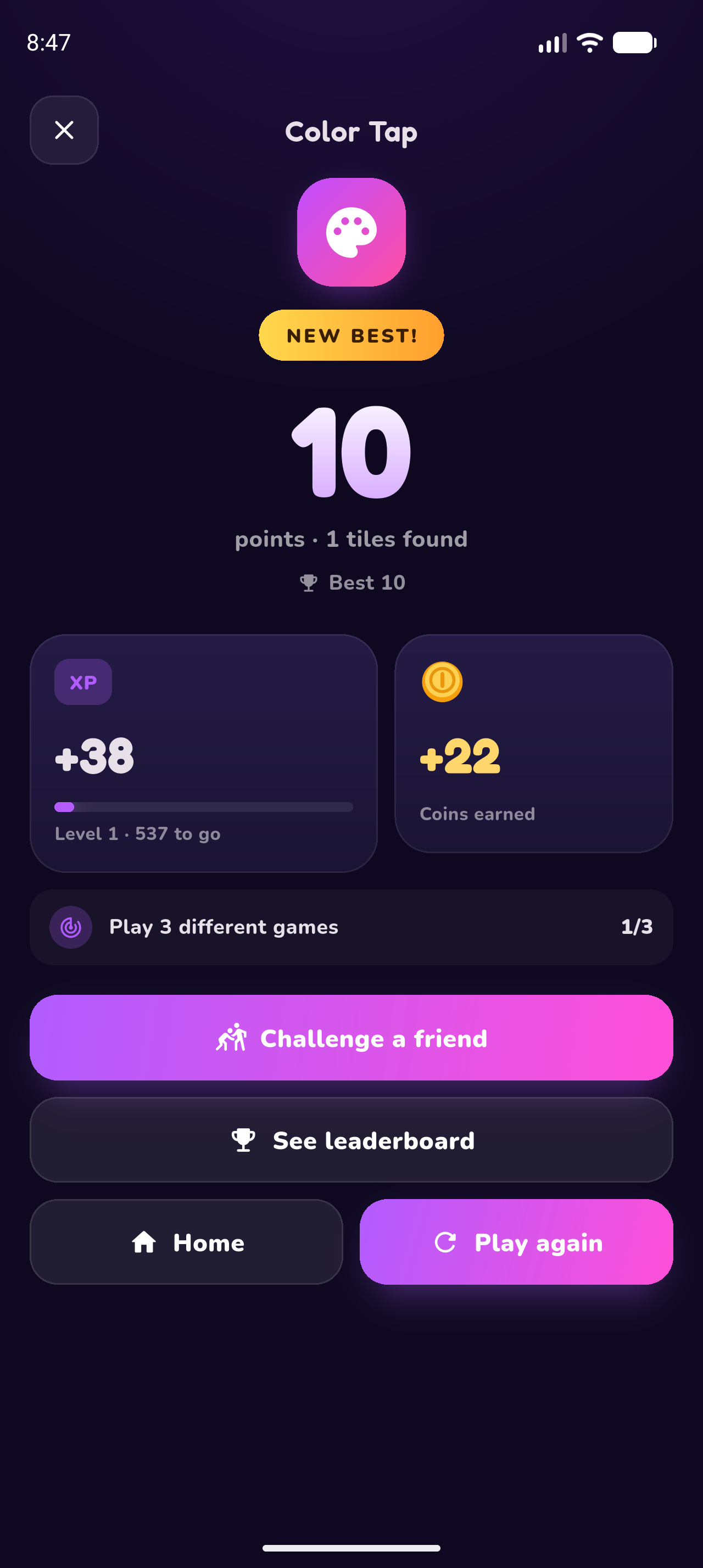
In Hub mode, completed rounds award XP and coins. Players can move through levels, chase a new personal best and build a seven-day reward streak. Today's Stack gives them three daily challenges and a Mystery Chest for completing the set. Weekly quests and 14 achievements add longer goals.

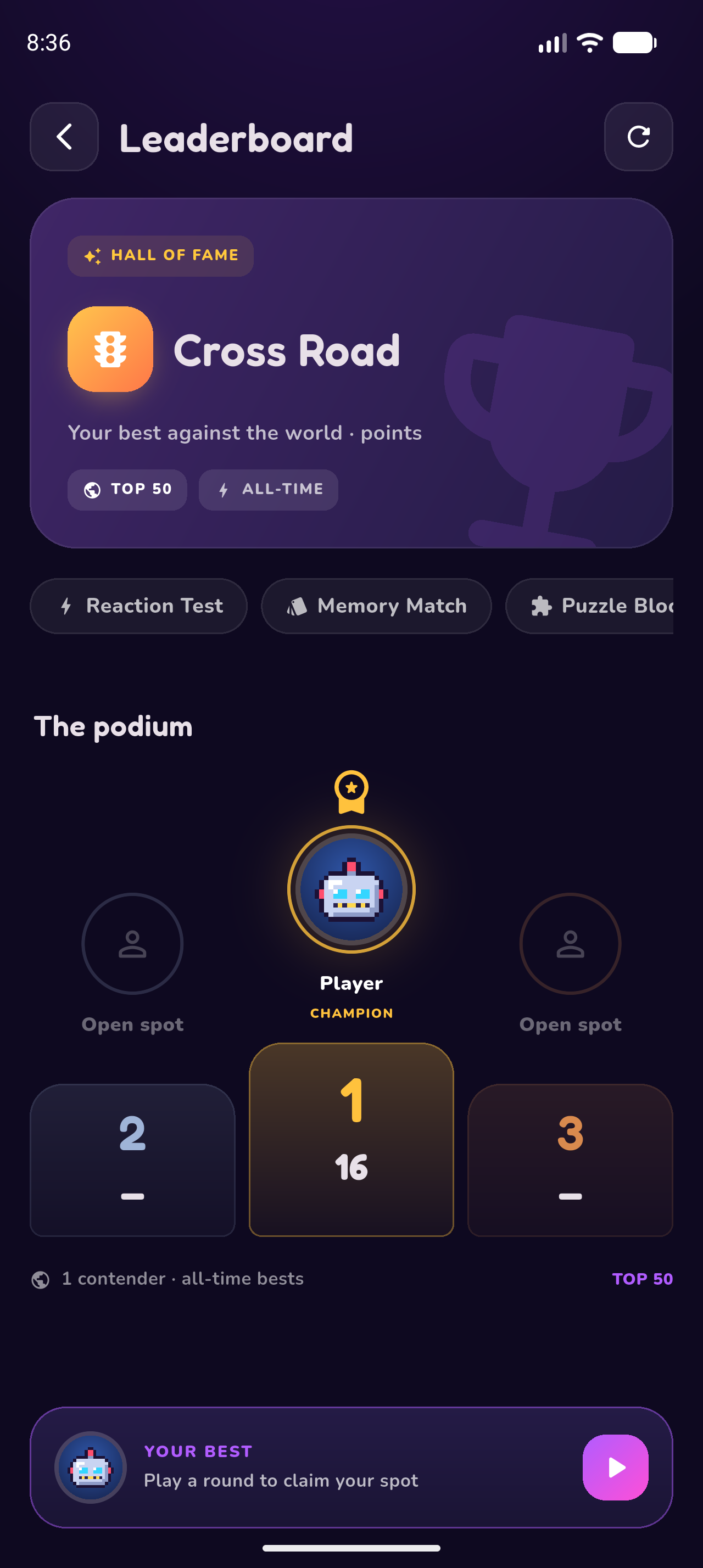
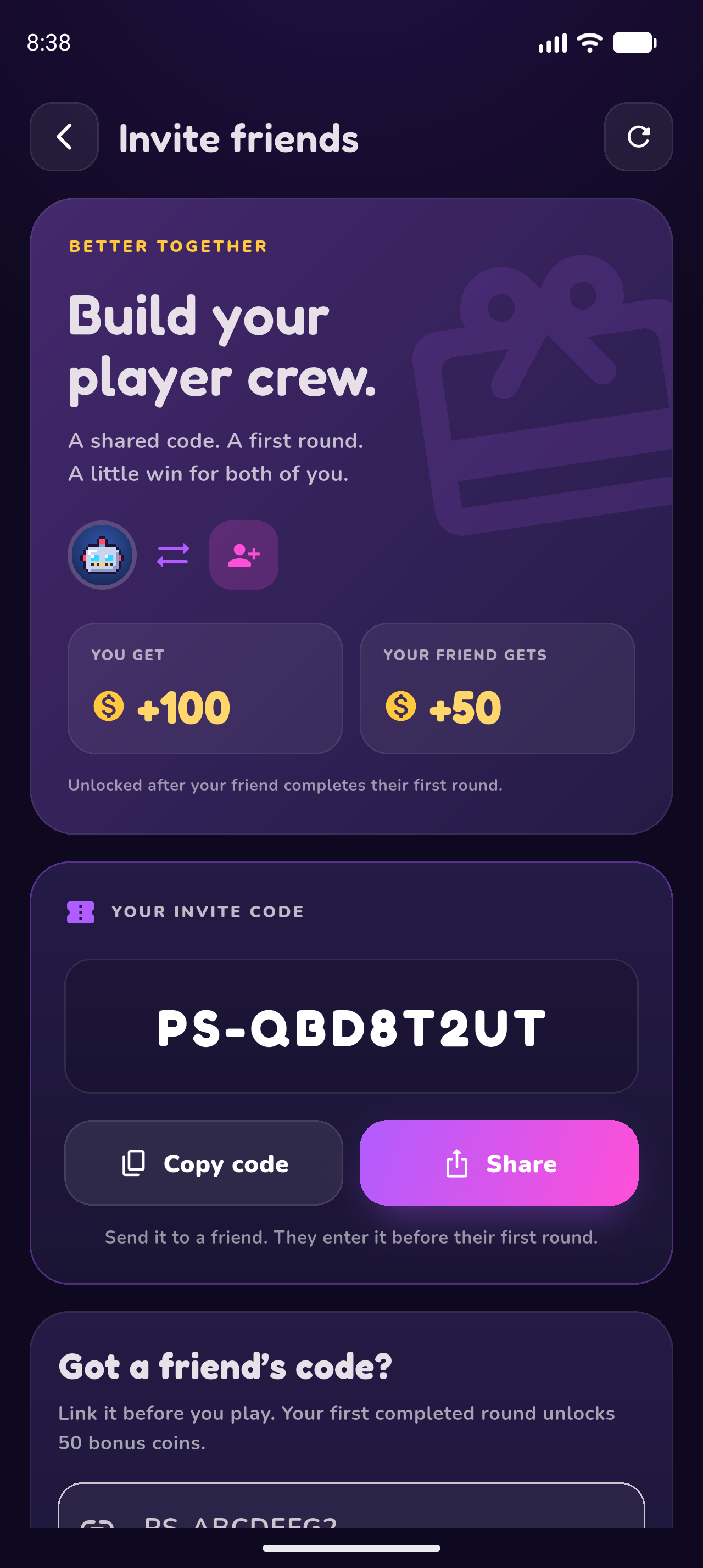
Give players more than a personal record to chase. Hub connects competition and sharing through three complementary features:

The app owner selects Hub or Arcade in the source configuration before building. Players do not switch between these modes inside the app.
Hub
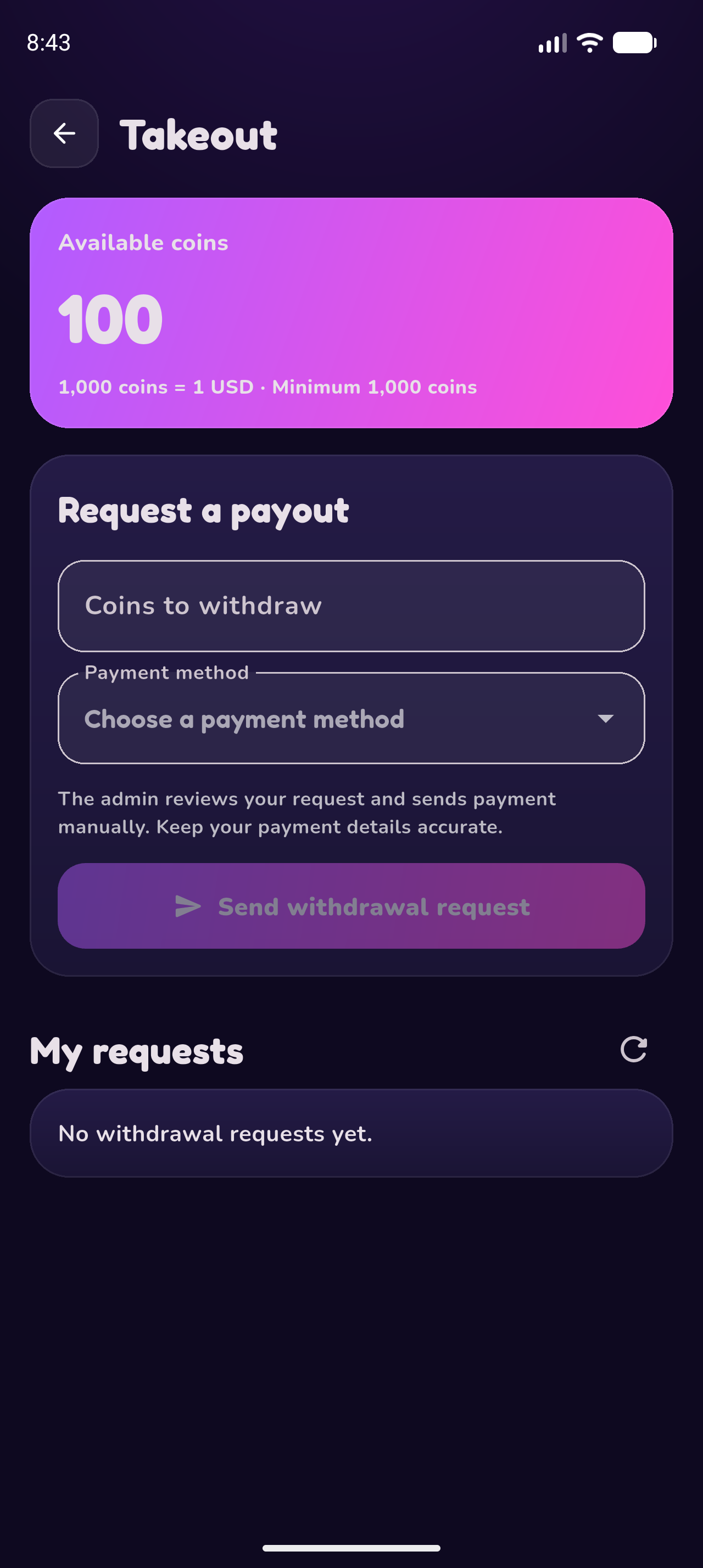
The full progression experience: all 11 games, XP, levels, coins, daily streaks, challenges, weekly quests, achievements, a coin shop, online leaderboards, referrals, friend challenges and manual payout requests.
Arcade
A focused offline games collection with local records, favorites, Home, Games, Records and Settings. All themes are free. The Hub rewards layer and Firebase identity, rankings, referrals, friend challenges and withdrawal requests are disabled.
Make the project fit the app you want to publish. Update the app name, icon, colors, links, ad settings and game catalog in the included source. Hub offers a coin shop with themes, avatars, frames and boosts. Configure referral bonuses, the challenge acceptance window and available payout methods in the relevant configuration files.

PlayStack brings the games, visual identity, progression and social features together in one editable project. Start with Arcade for a local games collection, or choose Hub for a reward-based experience with online competition. Configure your brand and services, then prepare your own release.
Let us configure the app identity and ads for your selected platform.

Yes. The 11 games are bundled locally in both modes. Ads and Hub online features—ranking updates, invitations, challenge creation and synchronization, and payout requests—require an internet connection.
The app interface is built with Flutter. The games use local HTML, JavaScript and CSS inside a WebView, connected to the Flutter app through a shared bridge.
No visible sign-up or login screen is added. Configured Hub builds use Firebase anonymous identity in the background. Arcade does not create a Firebase identity.
No remote game hosting is needed for the bundled games. Set up your own Firebase project for Hub online features. Ads use the ad network you configure.
Yes. Add the local game files, connect them to the shared bridge and register the game in the catalog and assets. The included documentation explains the process.
Set your app name, package or bundle ID, icon, store links and selected mode. Configure your own Firebase project and ad IDs where applicable, then use your signing credentials and verify your configured app on your target devices.
-First Release